


The king of multimedia suites
For some time now, Nero has left behind the idea that it was only a program for burning CDs and DVDs to become one of the most complete multimedia suites on the current scene. It is true that in the late 1990s and early 2000s, this software was synonymous with burning optical discs and we used it every day to burn music CDs, save movies we downloaded from the Internet, or make copies of video games. But times have changed as you can see if you download Nero 2023 for PC.
Now, there are much more suitable and comfortable supports for storing, transporting, and accessing information than a simple disk that ends up deteriorating. And we no longer use multimedia content as we used to. CDs, DVDs, and Blu-rays have given way to external memories and cloud storage, and the downloading of music, movies, series, and games have been replaced by online services such as Spotify, Netflix, or Steam.
Manage any aspect of your digital life wherever you go.
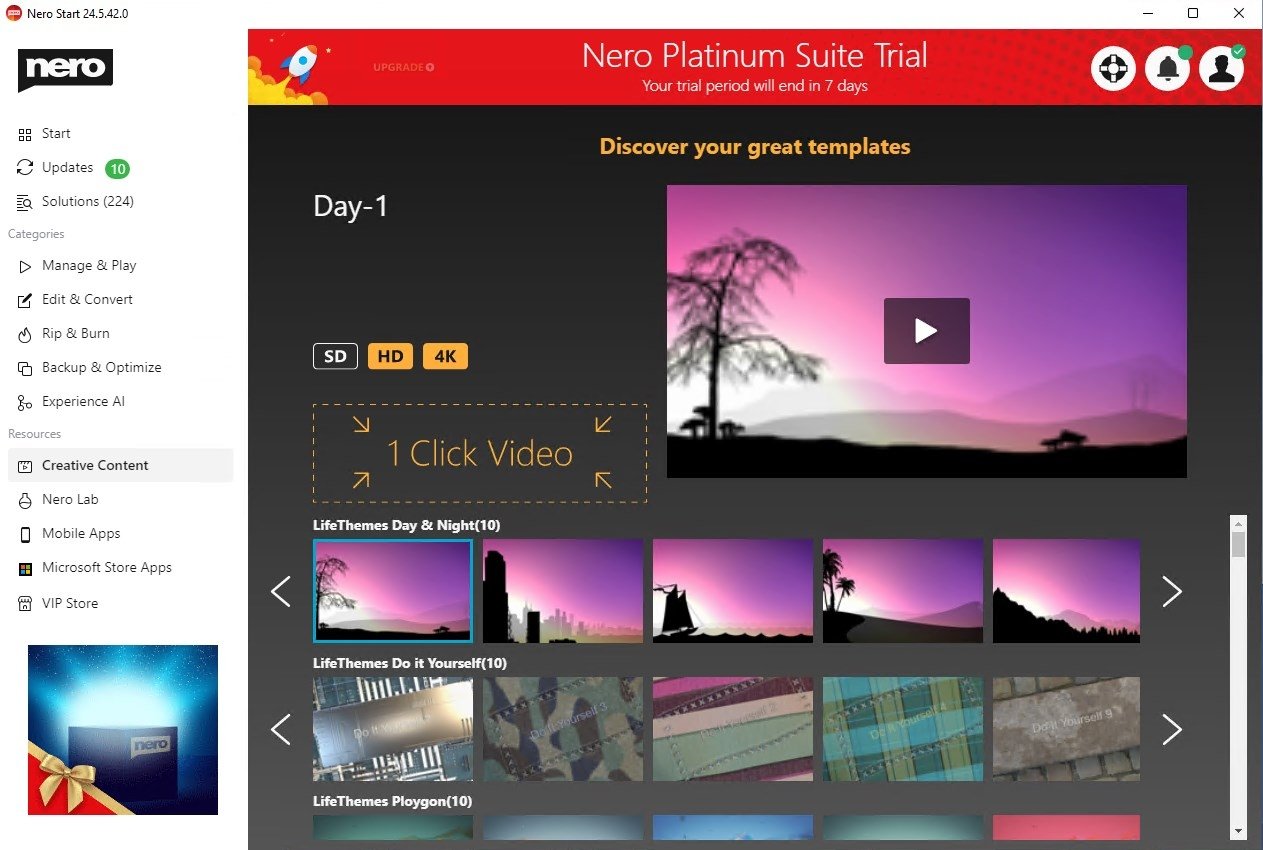
But far from falling into disuse and oblivion, Nero has managed to reinvent itself. It has become one of the best multimedia packages for Windows with a Classic and a Platinum variant that brings us endless functions to work on our multimedia files from the comfort of our desktop.
Nero 2023 Platinum: 9 tools in 1
The developers of Nero have left absolutely nothing to chance and have therefore included in the Platinum 2023 suite, a total of six tools that we can use to work on virtually any aspect of our videos, photos, and music:
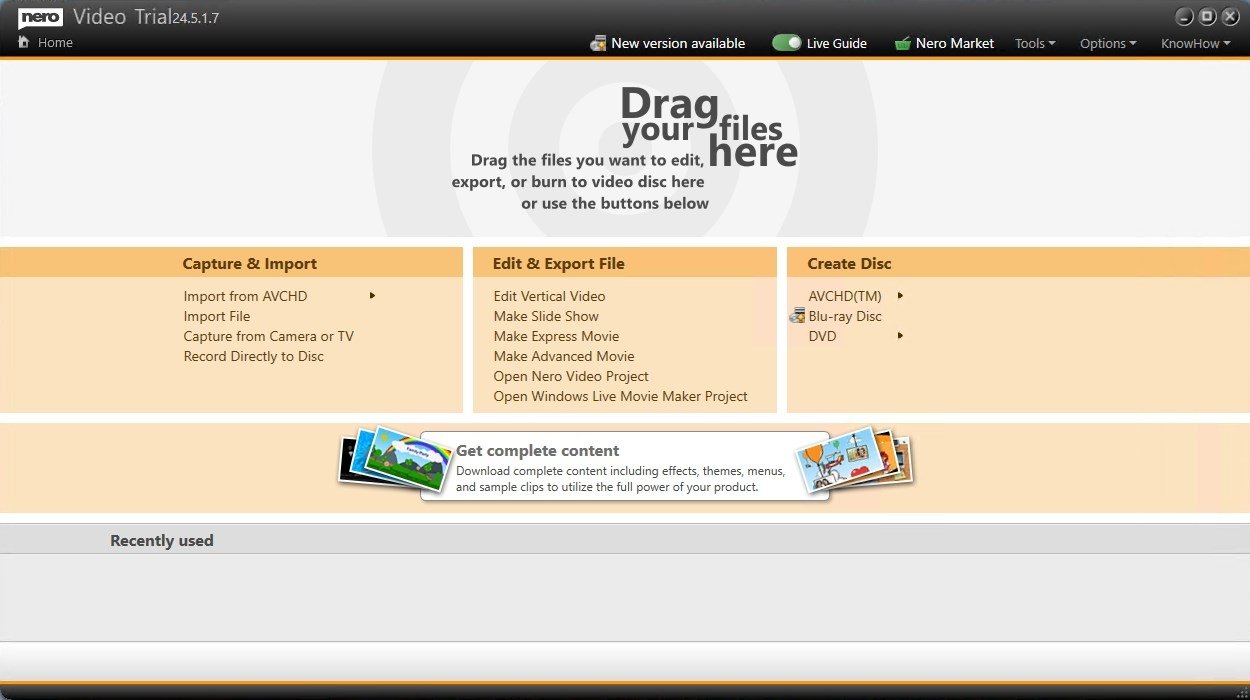
- Nero Video: this is the video editing tool of the suite that lets you modify any video, including those recorded with your cellphone, and create perfect movies and presentations, adding your own soundtrack and an infinite number of effects.
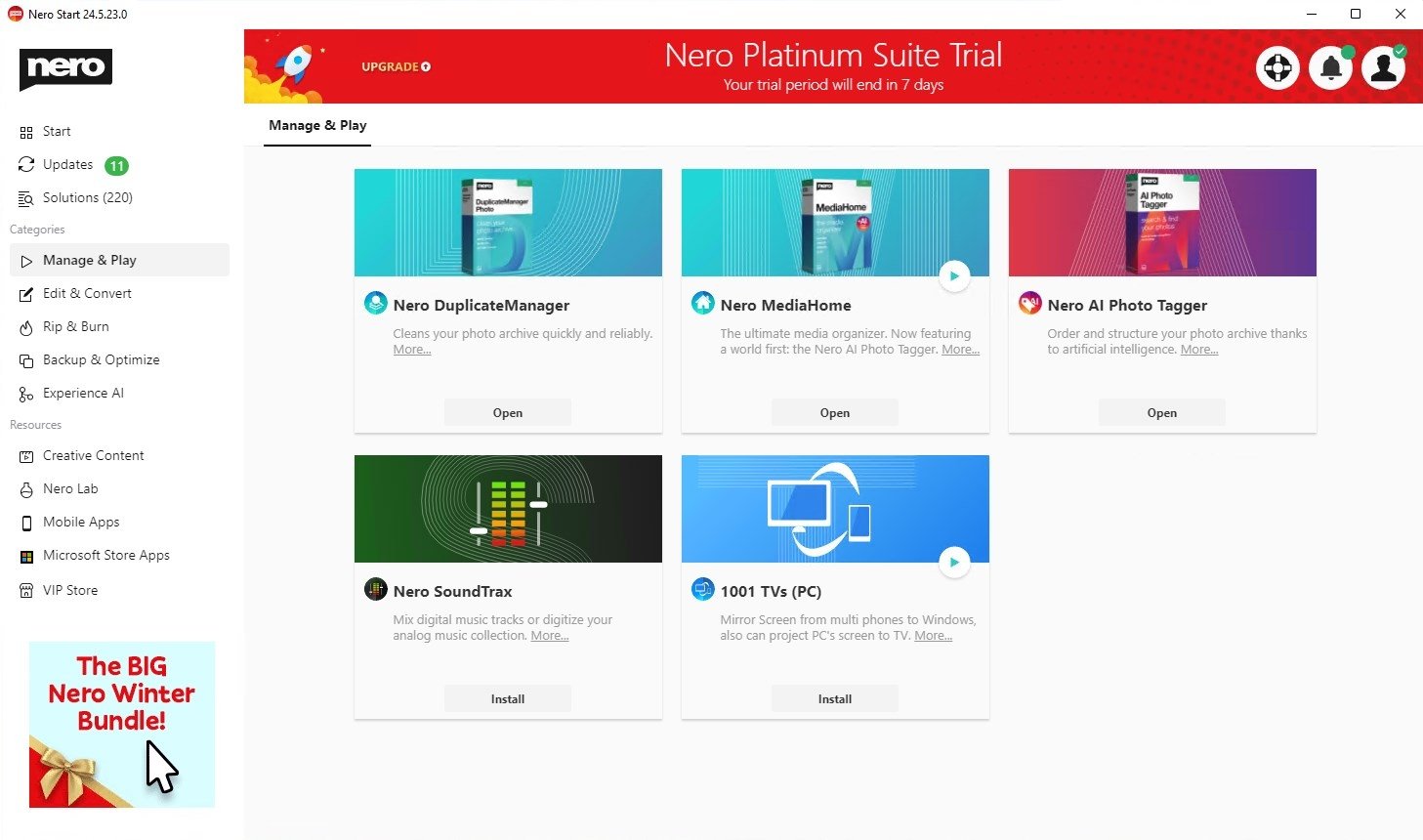
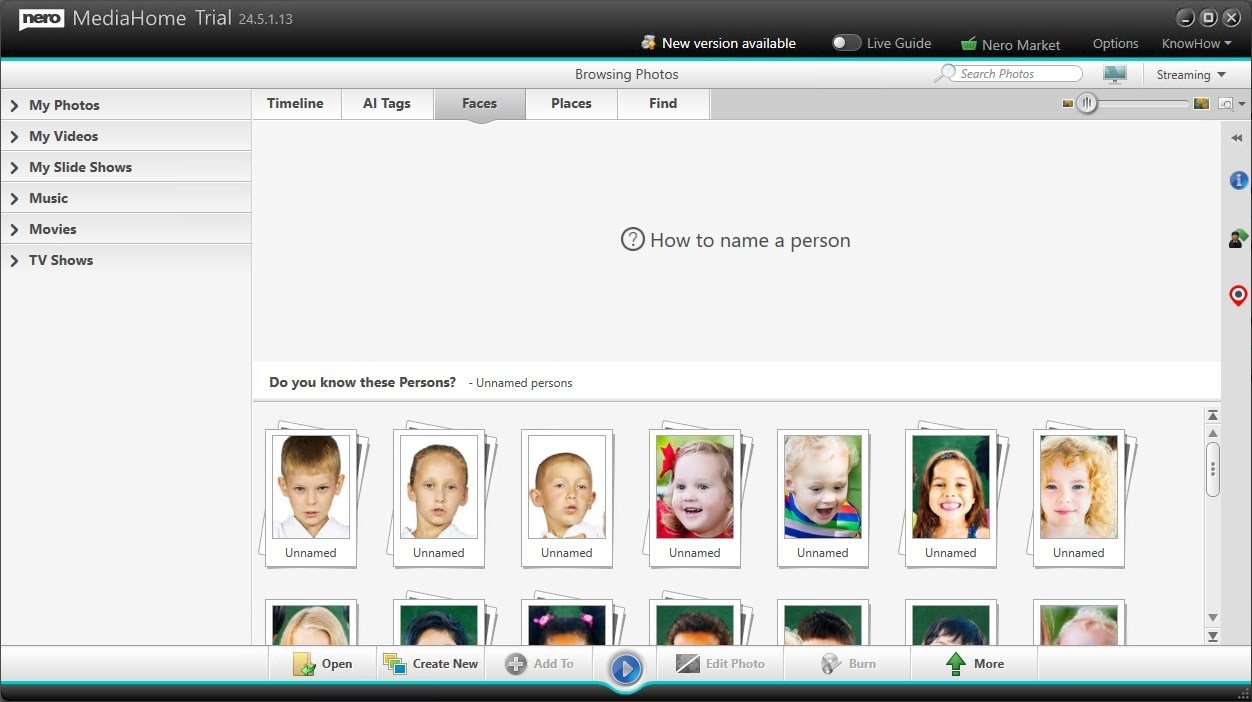
- Nero AI Photo Tagger: sorts your photo archive thanks to artificial intelligence, without cloud storage, locally on your PC.
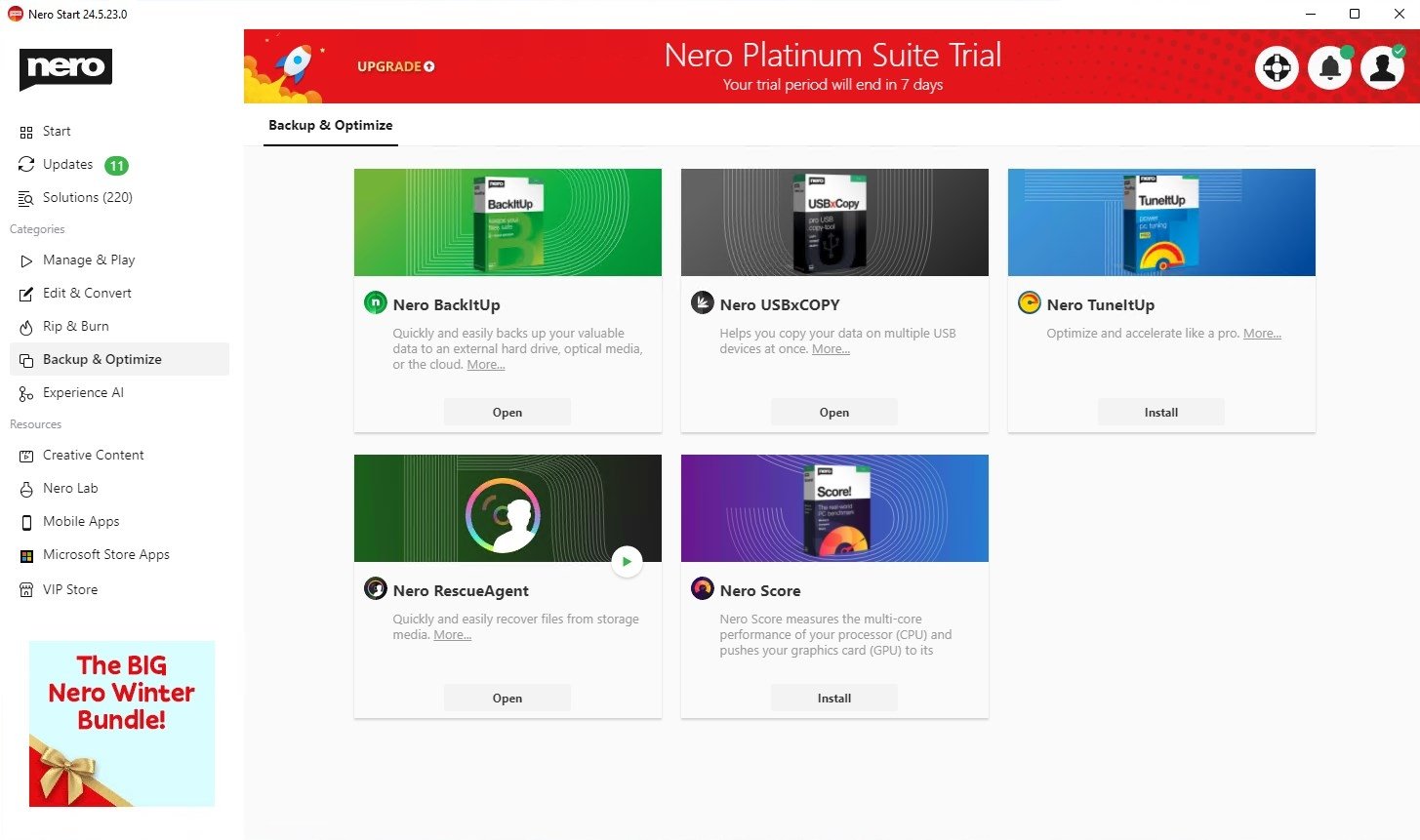
- Nero TuneItUp: allows you to solve problems individually or all at once, speed up your PC, and improve Internet speed.
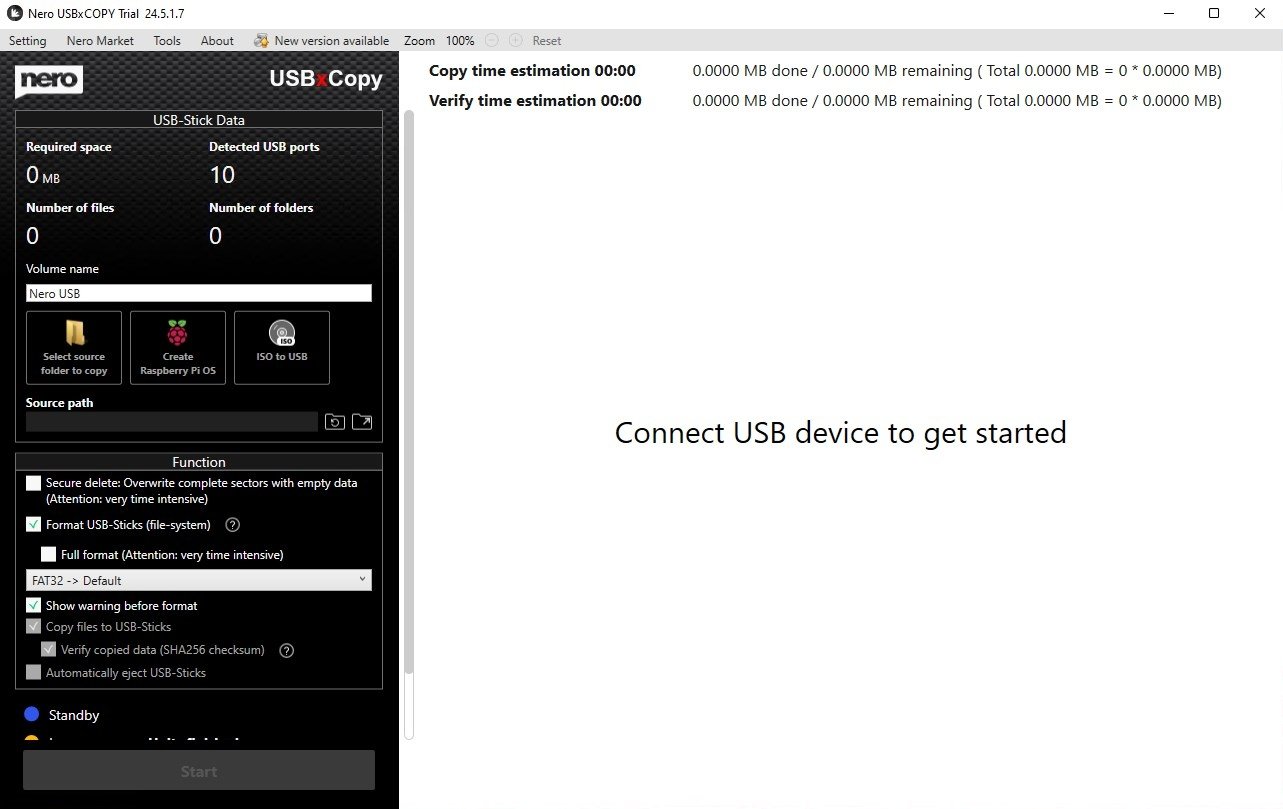
- Nero USBxCopy: helps to copy user data to several USB devices at the same time.
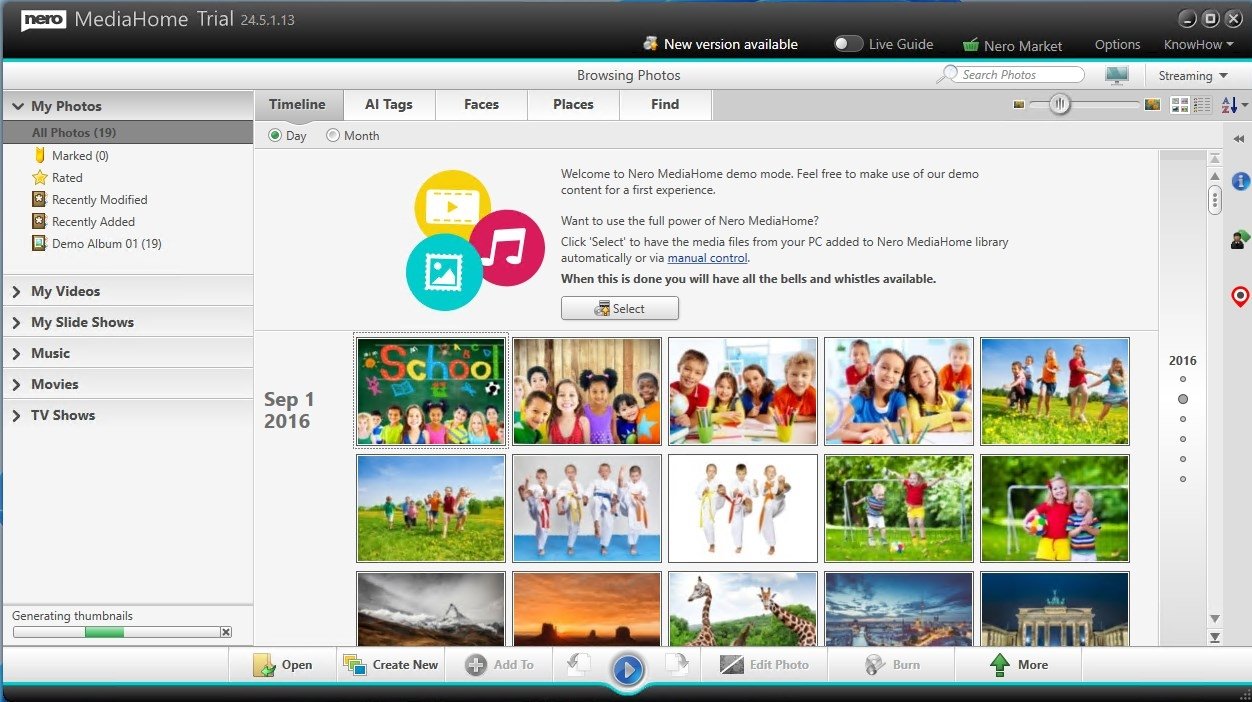
- Nero MediaHome: Through this feature, we will have direct access to our online multimedia files stored in OneDrive, allowing us to organize and play them via streaming directly from the cloud without having to download anything.
- Nero DuplicateManager Photo: over time, we may end up downloading or saving copies of the same images on our PC, creating duplicates that do nothing more than take up space on our hard disk. With this option, we can easily find them and eliminate the ones we do not need.
- Nero BackItUp: this option is focused on keeping our most valuable files always safe by scheduling automatic backups that will be saved in the online storage service of our choice. All of this is done securely by encrypting data and taking up as little space as possible by compressing the files.
- Nero Recode: With this tool, you can rip the contents of any optical disc, either DVD or Blu-ray, and convert the extracted video or audio to another format that best suits your needs.
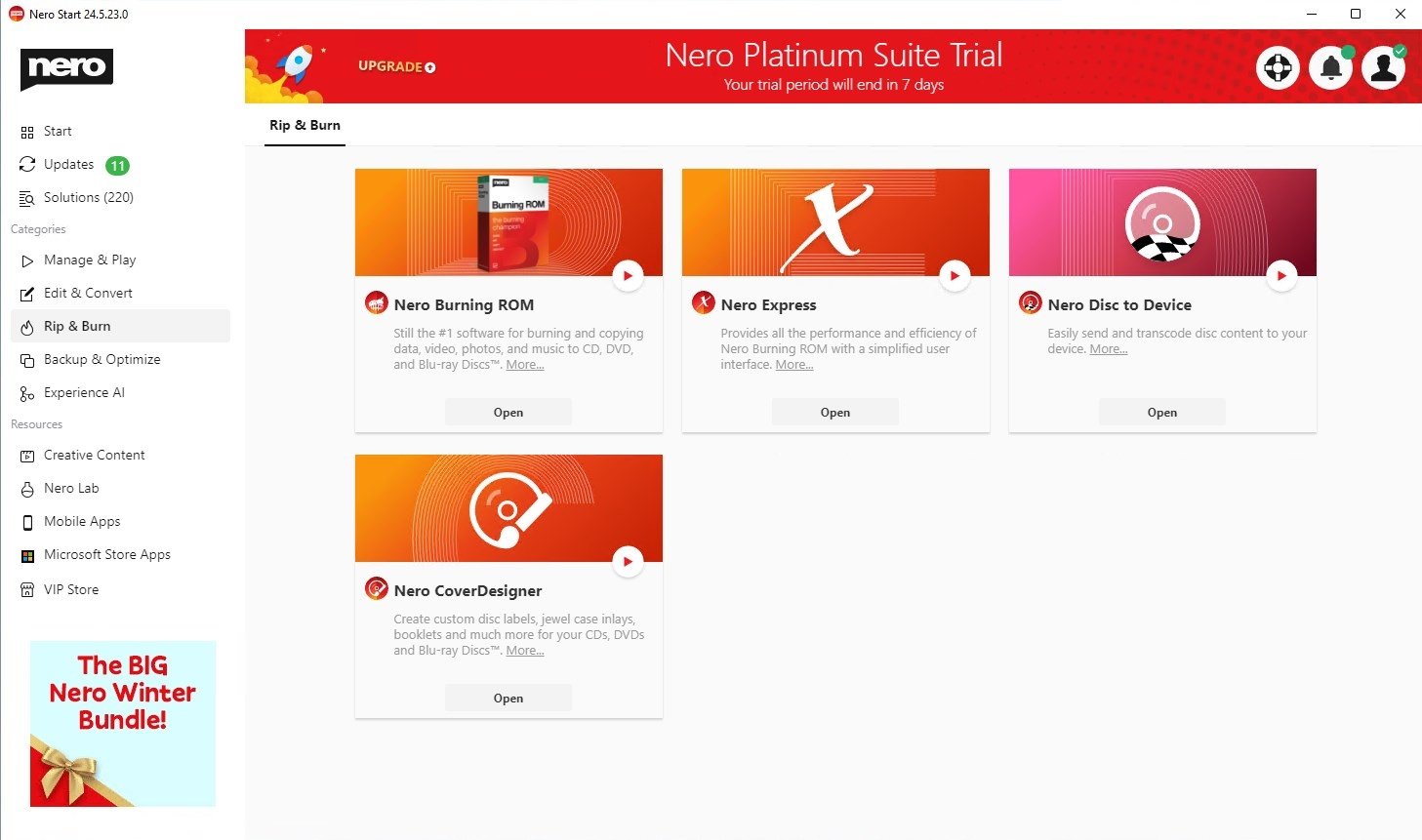
- Nero Burning ROM: the most classic Nero function in case any straggler still needs to burn discs, but now with SecurDisc 4.0 technology, which includes 256-bit encryption and password protection so that all our data is safe.
Yes, we have only named nine tools, not that we have forgotten to count. Because to the above features, we have to add one more tool: Audials Music Recorder, the online music streaming function with download options developed by Nero. We will have access to countless songs through over 100,000 online radio stations and thousands of concerts and music videos, being able to enjoy all the contents online or download them in MP3 format.
In addition to the above features, if you download Nero 2023 for PC you can also make use of other classic Nero tools so you do not miss any of the traditional utilities of this pack such as Nero MediaBrowser, Nero Cover Designer, Nero TuneItUp, or Nero Rescue Agent, among others. Give it a go.
Requirements and additional information:
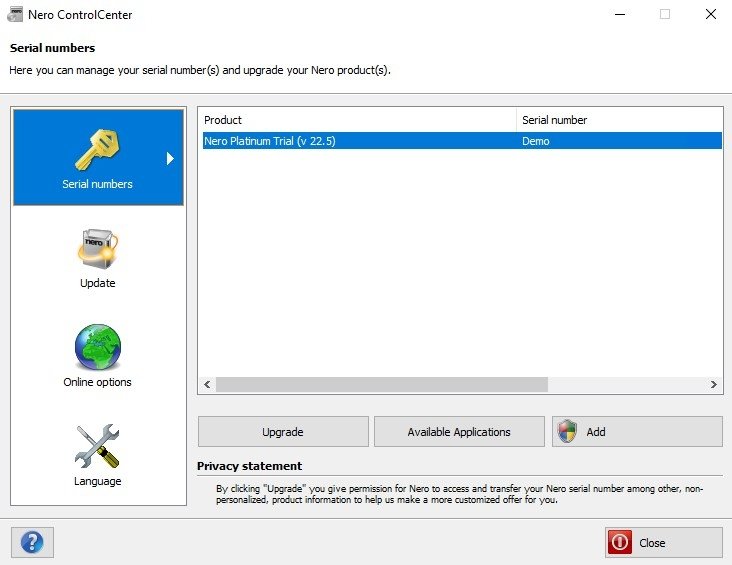
- The trial version lets you use it free of charge for 7 days.
- Minimum operating system requirements: Windows 7.
 Antony Peel
A Telecommunications Engineer, chance led me to the translation industry, where after a few years, I discovered another side of the world of technology while translating what others were writing about mobile applications and software. That...

Manuel Sánchez
Nero 2023 Tips & Tricks